How Does Running Hydration Sling Bag Stability Control Bouncing?
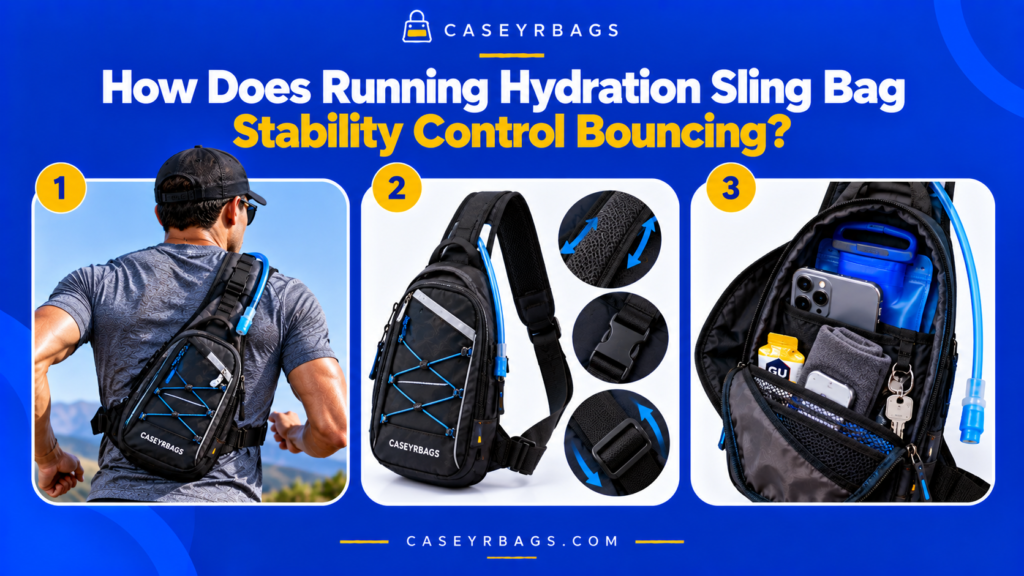
How Does Running Hydration Sling Bag Stability Control Bouncing? A Running Hydration Sling Bag controls bouncing by keeping its loaded mass close to the torso and limiting how far the bag can move independently during repeated running motion. Strap geometry, appropriate tension, stable anchors, controlled bag depth, and close hydration placement reduce vertical lift, side-to-side swing, and unwanted rotation. The hydration system also has to remain controlled inside the bag. A stable outer bag can still feel unsettled if the reservoir, bottle, or other dense contents shift internally, so effective bounce control depends on both external bag stability and internal load stability. A useful setup therefore controls the complete loaded system instead of treating outer-bag tightness as the only source of stability. Educational disclaimer: Running Hydration Sling Bag designs, hydration containers, body fit, running motion, and carried loads vary. No single strap setting or packing arrangement eliminates movement for every user or bag. KEY TAKEAWAY Bounce control works when strap and anchor geometry keep the loaded bag close while hydration, accessories, and free internal space remain controlled enough that the complete load follows torso movement predictably rather than moving independently. Running Hydration Sling Bounce-Control Signal Key MOVEMENT SIGNALVertical bounce, lateral swing, and rotation should be identified separately before adjustment. BODY-CONTROL SIGNALDiagonal support, anchors, strap tension, body contact, and shallow depth reduce free bag travel. INTERNAL-LOAD SIGNALHydration retention, compression, and accessory placement keep the internal load center predictable. BOUNDARY SIGNALStability is not zero movement, tighter is not always better, and retained hydration can still contain moving fluid. What Does Bounce Control Mean in a Running Hydration Sling Bag? Running repeatedly changes the speed and direction of the torso. If the bag has too much freedom relative to the body, its mass can continue moving after the torso changes direction, creating noticeable bounce or swing. Bounce is not one single movement. A Sling Bag can move vertically, laterally, rotationally, or through a combination of these directions, and different design or loading problems can produce different movement patterns. Effective stability therefore does not require the bag to become motionless. It requires the bag and its dense contents to remain sufficiently controlled that their movement follows the torso predictably rather than repeatedly separating from it within the broader Sling Bag system. What Is Vertical Bounce? Vertical bounce occurs when the bag repeatedly lifts and drops relative to the torso instead of following the body through a smaller controlled movement range. Evaluate the condition with the normal hydration load and normal running essentials, because empty-bag behavior can hide the movement that appears once dense contents are carried. Observable signs include repeated up/down travel, the lower edge separating and returning, and the strap repeatedly loading and unloading during the running cycle. If the observed movement does not improve, inspect the next related variable instead of continuing to tighten, compress, or restrain the same component beyond its functional range. What Is Lateral Swing? Lateral swing occurs when the bag moves side to side across its intended resting position rather than staying within a predictable body-facing path. Observe the same variable during actual running rather than only while standing, since repeated acceleration can expose movement that static fit does not reveal. Loose suspension, poor torso contact, or an offset load can increase sideways movement, so the cause should be identified before further tightening. A useful correction reduces unnecessary movement while preserving workable access and normal bag geometry; maximum restriction is not the objective. What Is Rotational Movement? Rotational movement occurs when the bag changes angle around its strap or torso contact point rather than only moving vertically or laterally. Judge the result from the loaded system as a whole, not from the isolated component, because strap, bag geometry, hydration position, and internal load can interact. Narrow anchor control, outward loading, or end-heavy packing can increase this movement. Bounce control begins by identifying which movement is actually occurring. This distinction prevents a visible symptom from being blamed on the wrong mechanism and keeps the adjustment focused on the actual source of instability. Running Hydration Sling Bounce Anatomy SVG Running Hydration Sling Bounce Anatomy SVG A torso-centered anatomy diagram showing the diagonal strap, Sling Bag, hydration compartment, anchors, load center, compression zone, and movement directions. Running Hydration Sling Bounce Anatomy External bag control and internal load control act together. RUNNER TORSO DIAGONAL PRIMARY STRAP SLING BAG BODY Hydration Compartment Compression Zone Effective Load Center BODY-FACING PANEL limits free separation RETENTION + LOAD container + dense items stay in intended zones MOVEMENT TYPES Vertical ↑ ↓ Lateral ← → Rotation ↻ Torso Motion → Strap + Anchor Control → Body-Facing Load Control Figure 1.0: Anatomy of external and internal bounce control. CASEYRBAGS.COM • Running Hydration Sling bounce control Why Does Running Reveal More Bag Movement Than Static Fit? Standing or walking can make a Sling Bag appear stable even though running introduces repeated acceleration, deceleration, vertical displacement, and torso rotation. Why Can Standing Fit Hide Bounce Problems? Standing does not reproduce repeated acceleration, deceleration, torso rotation, or vertical body movement, so free movement may remain hidden. Use the observed movement direction as the diagnostic starting point, since vertical bounce, lateral swing, rotation, container migration, and fluid movement can require different corrections. A bag can look correctly positioned while stationary yet separate from the torso once repeated running motion begins. Where the movement source remains unclear, change one variable at a time and retest so whole-bag motion can be separated from internal hydration or accessory movement. Why Can Walking Also Fail to Reveal the Full Problem? Walking creates a different and often smaller repeated movement pattern, so some strap looseness, load migration, or bounce may remain minor until running. Keep the test conditions consistent before and after adjustment so any change in movement can be attributed to the variable that was actually modified. Running should therefore be treated as its own stability test rather than an extension of standing fit. The target is predictable loaded behavior, not zero movement, because running
How Does a Sling Bag Combine Asymmetrical Stability & Rotational Access?
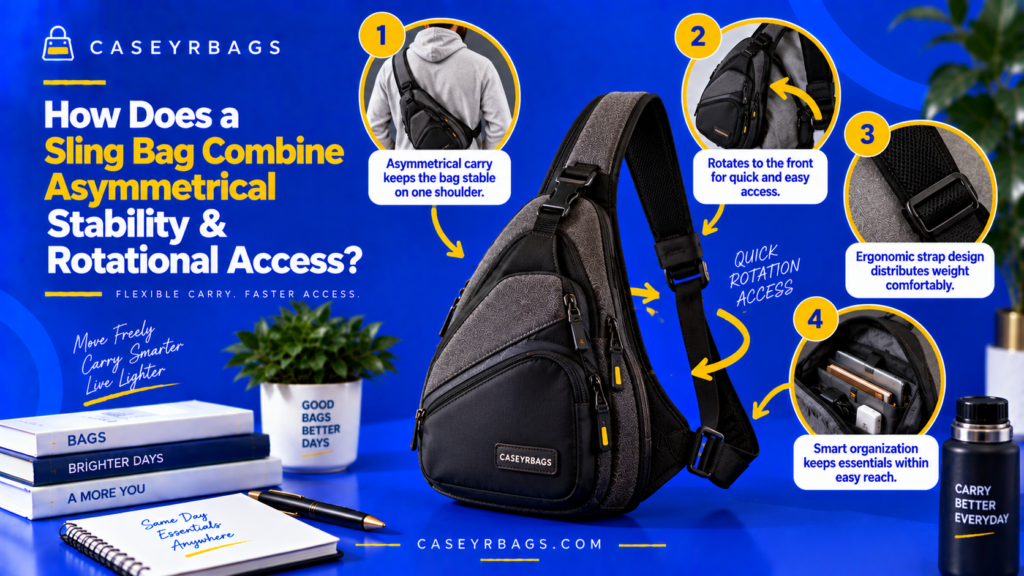
How Does a Sling Bag Combine Asymmetrical Stability & Rotational Access? A Sling Bag combines asymmetrical stability with rotational access by using a single diagonal strap to hold a compact bag body against one side of the torso while allowing that body to move deliberately along a controlled path. Strap tension, anchor placement, bag depth, and internal load position determine how predictably the bag remains oriented during normal carry. When access is needed, the same one-strap system can allow the bag to rotate from a rear or side position toward the front without being completely removed. Effective rotational access therefore depends on preserving enough movement for repositioning without creating excessive swing during ordinary carry. Educational disclaimer: Sling Bag designs vary in strap routing, anchor geometry, size, depth, closures, and intended carry position. No single strap setting or rotational path provides the same stability or access performance for every Sling Bag or user. KEY TAKEAWAY A Sling Bag works when its asymmetrical strap system controls unintended movement during normal carry while preserving enough intentional mobility for deliberate rotation into a practical access position and a straightforward return. Sling Bag Stability & Rotation Signal Key STABILITY SIGNALDiagonal support, anchor geometry, torso contact, compact depth, and balanced loading keep movement predictable. ROTATION SIGNALThe bag can slide intentionally from rear/side carry into a usable access position without removal. ACCESS SIGNALThe opening becomes visible, reachable, and controllable after rotation. BOUNDARY SIGNALAsymmetry is not instability, body-facing carry is not zero movement, and rotational access is not uncontrolled swing. What Do Asymmetrical Stability & Rotational Access Mean in a Sling Bag? A Sling Bag is asymmetrical because its load is primarily supported through one diagonal strap path rather than two parallel shoulder straps. The bag usually rests on the back, side, front-side, or chest region depending on its design and strap adjustment. Stability does not require the bag to become immobile. Instead, the bag should remain sufficiently close and predictably oriented that normal walking does not produce excessive swing, rotation, or constant manual repositioning. Rotational access uses that same controlled mobility intentionally. The user allows the bag to move around the torso toward an accessible position, retrieves an item, and then moves the bag back to its preferred carry zone within the broader Everyday Carry system. Which Features Create Asymmetrical Sling Bag Stability? A diagonal strap path, useful anchor placement, appropriate strap tension, body-facing panel, compact depth, and controlled internal load all help the bag stay predictably oriented. Feature → movement-control effect → stability consequence. No single feature creates stability by itself; the one-strap system depends on geometry and loading working together. Which Features Enable Rotational Access? A continuous strap path, sufficient strap mobility, compact bag shape, useful opening orientation, accessible closures, and a clear rotation path allow deliberate repositioning. These features let the bag move around the torso while remaining attached, so access can occur without removing the strap completely. Why Are Stability and Rotation Not Contradictory? Stability controls unintended movement during walking and normal carry, while rotational access preserves intentional movement initiated by the user. The goal is not zero movement. It is predictable transport plus deliberate mobility when access is needed. Sling Bag Stability & Rotation Anatomy SVG Sling Bag Stability & Rotation Anatomy SVGThe strap, anchors, body-facing panel, load center, and rotation path cooperate to support carry and access. Sling Bag Stability & Rotation Anatomy SVG The strap, anchors, body-facing panel, load center, and rotation path cooperate to support carry and access. STABLE CARRYShoulderDiagonal StrapUpper / Lower AnchorsBody-Facing PanelLoad Center ROTATIONAL ACCESSRear Carry PositionSide TransitionFront Access PositionRotation DirectionReturn Path Controlled Carry → Intentional Rotation → Access → Return. Figure 1.0: Controlled Carry → Intentional Rotation → Access → Return.CASEYRBAGS.COM • Sling Bag stability & rotational access How Does the Diagonal Strap Path Create Asymmetrical Stability? The diagonal strap creates a single body-crossing support path that can pull the bag toward an intended carry plane instead of leaving it loosely suspended from one shoulder. How Does a Diagonal Strap Create a Single Support Path? The bag transfers load through its anchors into one diagonal strap that crosses the shoulder or torso support path. Bag → anchors → diagonal strap → one shoulder/torso support path. The exact result depends on anchor geometry and strap adjustment. How Does Diagonal Routing Differ From a Loose Single Shoulder Strap? Diagonal routing can increase body contact, keep the bag position more controlled, and reduce the tendency for the load to fall directly away from one shoulder. This is a design tendency rather than a guarantee; bag size, depth, load, and adjustment still shape the result. Why Does Asymmetrical Support Not Automatically Mean Instability? A one-strap system can remain stable when its strap path, anchors, body contact, and internal loading keep the bag predictably positioned. Single support path ≠ uncontrolled load. Diagonal Strap → Stability Map Diagonal Strap → Stability MapDiagonal body-crossing tension can keep the loaded bag closer to its intended carry plane. Diagonal Strap → Stability Map Diagonal body-crossing tension can keep the loaded bag closer to its intended carry plane. DIAGONAL SUPPORTBody-Crossing TensionBag Pulled Toward Carry PlaneHigher Body ContactMore Predictable Position LOOSE SUSPENSIONMore Free RangeLower Body ContactGreater Swing PotentialLess Predictable Rotation Diagonal routing supports stability when geometry and load remain controlled. Figure 2.0: Diagonal routing supports stability when geometry and load remain controlled.CASEYRBAGS.COM • Sling Bag stability & rotational access How Does Strap Anchor Placement Control Sling Bag Movement? Anchor geometry determines how strap tension enters the bag body and therefore influences tilt, pivoting, body contact, and the orientation used during rotation. How Does Wider Anchor Separation Affect Bag Orientation? Greater separation between attachment points can spread strap influence across more of the bag body instead of concentrating it near one pivot location. Greater separation → broader control of bag orientation → lower uncontrolled pivot-like movement potential. How Does Anchor Height Affect the Strap Angle? Upper and lower attachment height change the line of pull, resting angle, body contact, and tendency of one end to rotate
When Does a Laptop-Specific Messenger Bag Outperform an Unpadded Messenger Bag?
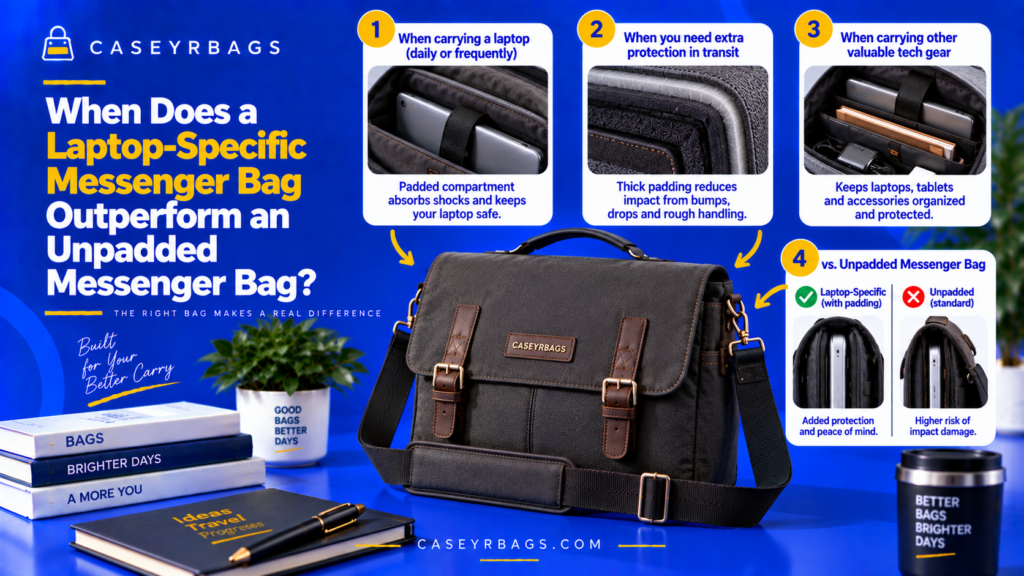
When Does a Laptop-Specific Messenger Bag Outperform an Unpadded Messenger Bag? A Laptop-Specific Messenger Bag tends to outperform an unpadded Messenger Bag when a laptop is carried regularly and benefits from dedicated cushioning, controlled fit, bottom separation, and protection from hard accessories or shifting work items. These features can reduce direct contact and keep the device more predictably positioned during normal transport. The advantage becomes less clear when no sensitive device is carried, when the laptop already uses an effective separate protective sleeve, or when low bulk and flexible open capacity matter more than integrated device protection. The better format therefore depends on the actual load and carrying environment rather than padding alone. Educational disclaimer: Padded Messenger Bags vary in foam quality, coverage, sleeve fit, base construction, and verified protection. Padding can reduce some carrying risks but does not guarantee protection against severe drops, crushing, water exposure, or all forms of device damage. KEY TAKEAWAY A Laptop-Specific Messenger Bag has a real advantage only when integrated padding, fit, retention, separation, and organization solve recurring device-carry problems strongly enough to justify the added bulk and capacity displacement. Padded vs Unpadded Messenger Decision Signals DEVICE-CARRY SIGNALFrequent laptop carry increases the value of a permanent padded device zone. SEPARATION SIGNALHard-accessory isolation and base/edge coverage strengthen the padded architecture. FIT SIGNALCorrect sleeve fit matters more than the marketing word “padded.” TRADE-OFF SIGNALIntegrated padding adds device control but consumes flexible capacity and adds bulk. What Separates a Laptop-Specific Messenger Bag From an Unpadded Messenger Bag? A Laptop-Specific Messenger Bag typically integrates a padded device compartment or sleeve into the bag body. This creates dedicated separation between the laptop and exterior panels, internal work items, and the base. An unpadded Messenger Bag may still have structure, lining, pockets, dividers, or a flat device-sized zone, but it does not rely on purpose-built cushioning around the laptop. Protection therefore depends more heavily on bag material, load organization, and any separate protective case or sleeve. The meaningful comparison is not simply foam versus no foam. It is whether the integrated padded system improves device fit, separation, and control enough to justify the additional space, thickness, and structure it occupies within the broader Messenger Bag system. Which Features Define a Laptop-Specific Messenger Bag? A Laptop-Specific Messenger Bag normally combines a padded sleeve, front and rear cushioning, base padding or suspension, edge coverage, device retention, and accessory separation. These features matter because they keep the laptop inside a more controlled and cushioned zone rather than allowing it to share the main chamber freely with other contents. What Can an Unpadded Messenger Bag Still Provide? An unpadded Messenger Bag can still provide fabric separation, dividers, a rigid or semi-rigid body, organized work storage, and enough space for a separate laptop sleeve. Unpadded ≠ zero protection. Its real device-carry performance depends on structure, organization, and any removable protective system added around the laptop. Why Is Padding Alone an Incomplete Comparison? A padded compartment can perform poorly when it is too tight, too loose, compressed by the load, or poorly separated from hard accessories. Likewise, an unpadded bag with a well-fitted separate sleeve can provide meaningful cushioning and separation. Compare complete device-carry systems, not the presence of foam alone. Padded vs Unpadded Messenger Bag Anatomy SVG Padded vs Unpadded Messenger Bag Anatomy SVG The padded bag integrates device control; the unpadded bag relies more on general structure or a separate sleeve. Padded vs Unpadded Messenger Bag Anatomy SVG The padded bag integrates device control; the unpadded bag relies more on general structure or a separate sleeve. LAPTOP-SPECIFIC BAG Outer PanelPaddingDevice SleeveLaptopBase Cushioning UNPADDED BAG Outer PanelLining/DividerLaptop / Separate SleeveMain CompartmentFlexible Space Integrated padding adds device structure; unpadded architecture preserves flexibility. Figure 1.0: Integrated padding adds device structure; unpadded architecture preserves flexibility. CASEYRBAGS.COM • Padded vs unpadded Messenger When Does Integrated Cushioning Give the Laptop-Specific Bag an Advantage? Integrated cushioning becomes useful when the laptop regularly encounters ordinary contact that a thin lining or open compartment would not manage as effectively. How Does Integrated Padding Reduce Direct Contact? Integrated padding places a compressible layer between the laptop and the bag panel instead of relying only on thin fabric or lining. Laptop → compressible layer → bag panel reduces direct hard-surface contact potential during ordinary transport. When Does This Advantage Matter Most? Frequent transport, repeated bag handling, normal bumps, regular set-down, and device carry alongside work items all increase the value of dedicated cushioning. The more often these ordinary exposure conditions occur, the more useful integrated padding can become. When Does the Cushioning Advantage Matter Less? The advantage matters less when no laptop is carried, when the laptop already uses a robust separate sleeve, or when the bag mostly carries soft and light contents. Integrated cushioning matters most when there is an actual device exposure problem to solve. Device Contact-Path Comparison Device Contact-Path Comparison Padded and unpadded systems create different contact paths between external force and the device. Device Contact-Path Comparison Padded and unpadded systems create different contact paths between external force and the device. PADDED BAG External ContactOuter PanelPaddingDeviceReduced Direct Contact UNPADDED BAG External ContactOuter Panel / LiningDevice or Separate SleeveMore Dependent on Added Protection The complete contact path matters more than the bag label. Figure 2.0: The complete contact path matters more than the bag label. CASEYRBAGS.COM • Padded vs unpadded Messenger When Does Internal Device Separation Make the Padded Bag Better? A dedicated device sleeve can add meaningful value when the normal work load includes hard or dense accessories that would otherwise share the laptop chamber. How Does a Dedicated Sleeve Isolate the Laptop? A separate padded compartment reduces direct mixing between the laptop and notebooks, tools, chargers, adapters, and other work accessories. Separate compartment → less direct mixing → lower localized-contact potential. Why Are Hard Accessories Especially Important? Charger blocks, adapters, power banks, and compact electronics can create concentrated pressure when packed directly beside the device. Hard accessories increase the value of physical separation when the alternative places them in the
How Does Laptop-Specific Messenger Bag Padding Protect Devices?
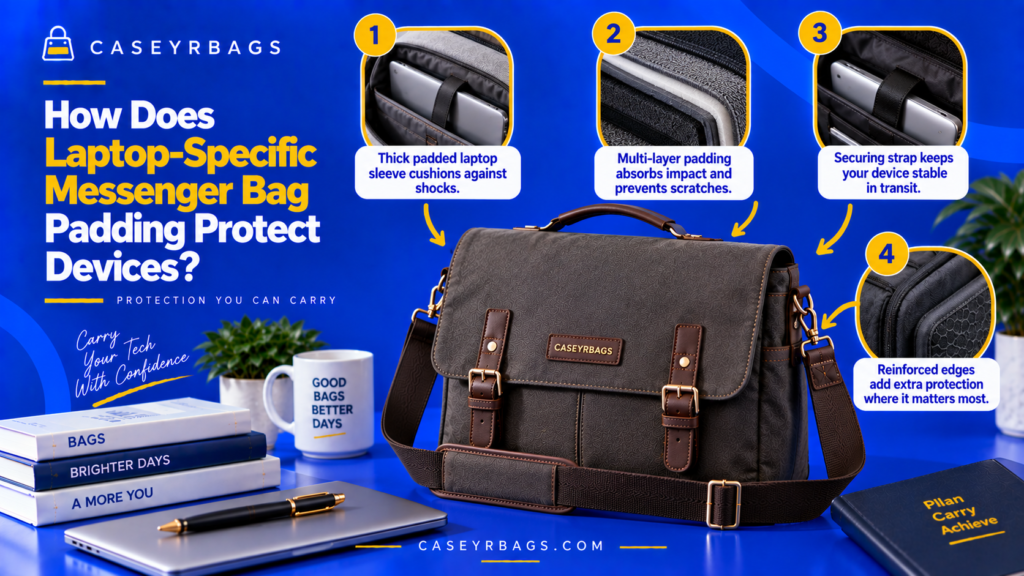
How Does Laptop-Specific Messenger Bag Padding Protect Devices? Laptop-Specific Messenger Bag padding protects devices by placing compressible material between the laptop and the bag’s harder outer surfaces, seams, hardware, base, and surrounding contents. This cushioning can soften direct contact, reduce abrasion, limit some localized pressure, and help spread certain everyday carrying forces across a broader area. Protection becomes more effective when padding works together with controlled sleeve fit, side and base coverage, device retention, separation from chargers or other hard objects, and enough bag structure to keep the laptop predictably positioned. Padding alone cannot guarantee protection from severe drops, crushing, water exposure, or every impact direction. Educational disclaimer: Protective performance varies by foam material, thickness, coverage, sleeve fit, bag construction, device dimensions, load, and impact conditions. Unless independently verified, padded Laptop Messenger Bags should not be described as drop-proof, crush-proof, waterproof, or certified impact-protection systems. KEY TAKEAWAY Laptop-Specific Messenger Bag padding works best as part of a complete system: cushioning + coverage + controlled fit + retention + base/edge separation + accessory organization + bag structure + current padding condition. Laptop Messenger Padding Signal Key CUSHIONING SIGNALCompressible material reduces direct hard-surface contact and spreads some ordinary contact force. COVERAGE SIGNALFront, rear, side, edge, corner, and base zones determine where cushioning actually exists. FIT SIGNALControlled sleeve fit and retention keep the device predictably positioned inside the padded zone. BOUNDARY SIGNALPadding reduces risk; it does not create guaranteed drop-, crush-, water-, or impact-proof protection. What Does Laptop-Specific Padding Actually Protect Against? Laptop-specific padding creates a physical buffer between the device and the bag environment. During normal use, this buffer can reduce direct contact with panels, seams, hardware, and nearby contents. Padding can also absorb or distribute some energy when the bag is placed down, bumped, or moved. The degree of protection depends on how much padding is present, where it is positioned, how it deforms under force, and whether the device remains correctly located within the sleeve. Its role is therefore best understood as cushioning + separation + movement control, not as a universal barrier against device damage. Within the broader Messenger Bag system, padding is one protective layer rather than the entire category or protection system. Which Everyday Risks Can Padding Help Reduce? Padding can help reduce abrasion, hard-surface contact, minor bumps, localized pressure, internal item contact, and unnecessary movement inside the compartment. Risk → padding response → protective effect. The useful outcome is reduced direct contact and more controlled positioning during ordinary carry, not elimination of every force. Which Risks Can Padding Not Guarantee Protection Against? Severe drops, crushing loads, sharp penetration, water ingress, and major impact events can exceed the protective role of ordinary padded construction. Padding ≠ impact-proofing. Protective claims beyond ordinary cushioning require specific supporting evidence rather than inference from visible foam. Why Does Device Protection Require More Than Padding? Padding, fit, retention, separation, and bag structure must work together so the laptop stays within the cushioned zone and away from hard adjacent objects. Padding is one layer of protection, not the entire protective system. For the broader structural comparison of padded and unpadded construction, see Padded vs Unpadded. Laptop Messenger Bag Padding Anatomy SVG Laptop Messenger Bag Padding Anatomy SVG Protection depends on cushioning, coverage, retention, base separation, and accessory isolation. Laptop Messenger Bag Padding Anatomy SVG Protection depends on cushioning, coverage, retention, base separation, and accessory isolation. DEVICE ZONE LaptopFront PaddingRear PaddingSidewall PaddingBase Padding CONTROL & SEPARATION Suspended Sleeve GapRetention TabMain CompartmentAccessory PocketCurrent Padding Condition Padding + Fit + Separation + Retention = Device Protection System. Figure 1.0: Padding + Fit + Separation + Retention = Device Protection System. CASEYRBAGS.COM • Laptop Messenger padding How Does Padding Cushion Direct Contact? Compressible material changes the interface between the laptop and harder bag surfaces by deforming under ordinary contact. What Happens When Padded Material Is Compressed? Contact force causes the padding to deform, allowing some energy to be absorbed or spread through a softer and wider interface before reaching the device. Contact force → padding deforms → some force spreads through a softer interface → direct hard-surface contact is reduced. Exact performance depends on verified material behavior. Why Is Direct Hard Contact Different From Padded Contact? A hard surface tends to concentrate contact in a smaller area, while a compressible layer creates a broader, softer interface around the device. Hard surface → concentrated contact; compressible layer → broader, softer interface. The difference is mechanical contact management, not guaranteed damage prevention. Why Does Cushioning Not Eliminate Impact? Padding can reduce or redistribute some force, but sufficiently severe or poorly directed force can still reach the device through the sleeve, bag body, or surrounding contents. Force reduction ≠ force elimination. Cushioning → Force-Transfer Diagram Cushioning → Force-Transfer Diagram Padding changes concentrated hard contact into a deforming interface that can spread some ordinary force. Cushioning → Force-Transfer Diagram Padding changes concentrated hard contact into a deforming interface that can spread some ordinary force. HARD CONTACT Hard SurfaceConcentrated Contact PathLimited DeformationDevice Receives Direct Contact PADDED CONTACT Compressible LayerFoam DeformationWider Load DistributionReduced Hard-Surface Contact Padding changes the contact path; it does not eliminate force. Figure 2.0: Padding changes the contact path; it does not eliminate force. CASEYRBAGS.COM • Laptop Messenger padding How Do Foam Properties Affect Device Protection? Padding effectiveness depends on how the foam deforms, rebounds, maintains spacing, and works with the sleeve geometry—not on visible thickness alone. How Does Softer Foam Behave? Softer foam can conform around the device and cushion light contact but may compress easily when pressure rises or the sleeve is overfilled. Greater conformity can improve surface contact while leaving less resistance to bottoming out in some conditions. How Does Denser Foam Behave? Denser or firmer foam can resist compression and maintain spacing more effectively, but it may conform less around the device. Compression resistance is useful in some designs without making denser foam universally superior. Why Can Layered Foam Be Useful? Different foam layers can provide different deformation behaviors when the design combines softer and
When Can a Slimline Messenger Bag Carry a Tablet?
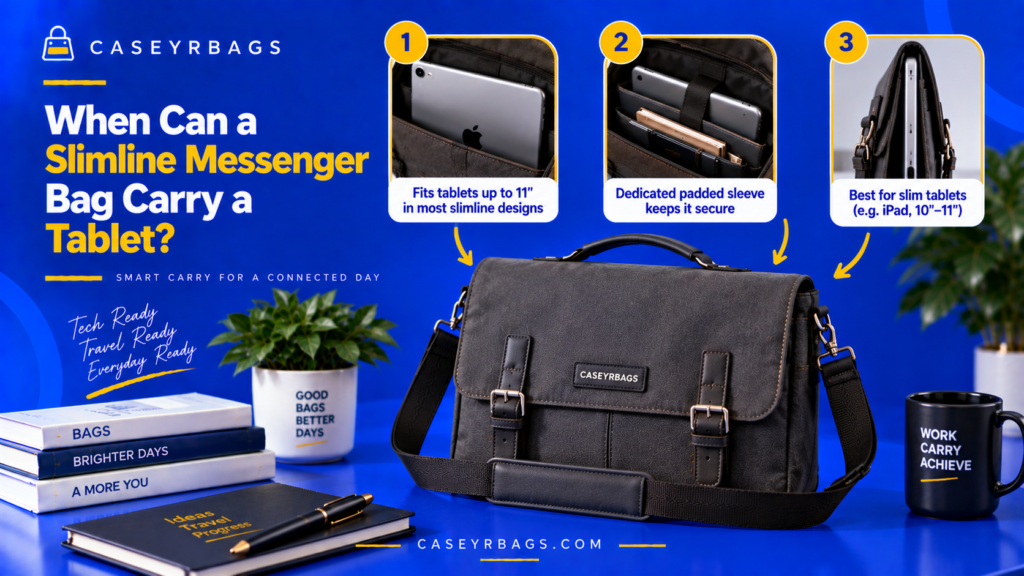
When Can a Slimline Messenger Bag Carry a Tablet? A Slimline Messenger Bag can carry a tablet when the device’s actual width, height, and thickness—including any protective case or keyboard cover—fit within the bag’s usable device compartment or main chamber without forcing the opening, sleeve, flap, or zipper. The compartment should also provide enough practical clearance for normal insertion and removal. The tablet must also fit alongside the bag’s intended work load. Documents, notebooks, chargers, and other accessories should not compress excessively against the device or push the Messenger Bag beyond its controlled slim profile. Educational disclaimer: Tablet dimensions, cases, Messenger Bag sleeves, padding, and internal layouts vary. Physical fit does not guarantee impact, water, or theft protection, and device compatibility should be verified from the actual usable compartment dimensions. KEY TAKEAWAY A Slimline Messenger Bag is tablet-compatible only when the actual cased device fits the usable sleeve and access path, remains reasonably controlled, works alongside the normal work load, closes without forced pressure, and preserves a controlled loaded slimline profile. Slimline Messenger Tablet-Fit Signal Key DIMENSION SIGNALWidth, height, thickness, case dimensions, and sleeve geometry determine physical compatibility. CLEARANCE SIGNALOpening path, padding, and sleeve space determine whether insertion and removal stay practical. LOADED-FIT SIGNALDocuments, notebook, accessories, closure, and packed profile determine real-use compatibility. BOUNDARY SIGNALTablet fit is not tablet protection, and capacity does not prove device compatibility. What Determines Whether a Slimline Messenger Bag Can Carry a Tablet? A Slimline Messenger Bag can carry a tablet only when the device physically matches the usable compartment geometry. Width, height, thickness, and opening clearance all matter. The tablet’s real carry dimensions may be larger than its bare-device specifications because a protective case, keyboard cover, or attached accessory adds thickness or edge bulk. These additions can change a previously suitable fit. Functional compatibility also requires the tablet to coexist with the bag’s normal work contents. A device that fits only when every other item is removed may not represent useful work-item compatibility within the broader Messenger Bag system. Which Variables Determine Tablet Fit? Tablet width, height, thickness, case thickness, sleeve dimensions, padding, opening geometry, and packed bag depth all shape compatibility. Variable → clearance effect → compatibility consequence. Tablet fit must be evaluated as a complete geometric relationship rather than from a single dimension or capacity number. Why Is Tablet Screen Size Not Enough? Screen diagonal does not fully reveal device width, height, bezel size, chassis thickness, or the extra dimensions added by a protective case. Screen size ≠ physical device dimensions. Two tablets with the same screen class can require different usable sleeve geometry. What Makes Tablet Carry Functionally Suitable? Functional suitability requires physical fit, usable clearance, stable storage, normal closure, and compatibility with the bag’s intended work load. A tablet that fits only by removing normal contents or forcing the closure is not a successful real-use fit. Slimline Messenger Bag Tablet-Fit Anatomy SVG Slimline Messenger Bag Tablet-Fit Anatomy SVG Tablet dimensions, case, sleeve, padding, closure, and remaining work-item space define functional fit. Slimline Messenger Bag Tablet-Fit Anatomy SVG Tablet dimensions, case, sleeve, padding, closure, and remaining work-item space define functional fit. DEVICE FIT TabletProtective CaseDevice SleeveSleeve WidthSleeve Height LOADED BAG FIT PaddingMain CompartmentFlapClosureRemaining Work-Item Space Device Dimensions → Sleeve Fit → Loaded Bag Fit. Figure 1.0: Device Dimensions → Sleeve Fit → Loaded Bag Fit. CASEYRBAGS.COM • Slimline Messenger tablet fit How Should Tablet Dimensions Be Checked? Actual device geometry should be compared directly with the bag’s usable sleeve and opening dimensions in the orientation the tablet will really use. Which Tablet Measurements Matter Most? Width, height, and thickness matter more than screen diagonal alone because they determine whether the device fits inside the sleeve and passes through the opening. These measurements should include the normal carried configuration where relevant, not merely the manufacturer’s bare-device dimensions. Why Should Dimensions Be Checked in the Intended Orientation? Portrait and landscape insertion can interact differently with opening width, sleeve shape, compartment height, and nearby hardware. A tablet that fits in one orientation may be awkward or impossible to insert in another, so the actual access path should be tested. Why Should Some Functional Clearance Remain? A practical fit should not require forced sleeve-wall bending, excessive pushing, or repeated friction against closure hardware. Exact dimensional equality is not the same as practical fit. Functional clearance supports normal insertion and removal. Tablet Dimensions → Compartment Fit Diagram Tablet Dimensions → Compartment Fit Diagram Each physical device dimension must fit the corresponding usable sleeve dimension with practical clearance. Tablet Dimensions → Compartment Fit Diagram Each physical device dimension must fit the corresponding usable sleeve dimension with practical clearance. TABLET GEOMETRY Tablet WidthTablet HeightTablet ThicknessCase-Inclusive Size SLEEVE GEOMETRY Sleeve Internal WidthSleeve Internal HeightSleeve Usable DepthOpening Clearance Actual device dimensions must fit usable compartment dimensions. Figure 2.0: Actual device dimensions must fit usable compartment dimensions. CASEYRBAGS.COM • Slimline Messenger tablet fit How Does a Protective Case Change Tablet Fit? Tablet compatibility should be evaluated in the configuration actually carried because cases and keyboard covers change both dimensions and stiffness. How Does a Standard Protective Case Change Dimensions? A protective case can add thickness, enlarge edge dimensions, create raised corners, and add cover overlap around the bare tablet. Case adds edge bulk → sleeve clearance falls → previously workable fit may become too tight. How Does a Keyboard Case Change Slimline Messenger Bag Fit? A keyboard cover can substantially increase both thickness and stiffness while also changing how the device stack occupies the sleeve. Tablet + keyboard cover → greater thickness + stiffness → larger packed profile and lower slimline margin. Why Should the Bag Not Be Tested Only With a Bare Tablet? If the tablet is normally carried in a case, the bare device does not represent the real geometry entering the sleeve or opening. Bare-device fit ≠ real-use device fit. The carried configuration is the one that must pass the compatibility test. Bare Tablet vs Cased Tablet Matrix Device Configuration Width/Height Effect Thickness Effect Fit Risk Bare
What Capacity Range Suits a Slimline Messenger Bag?
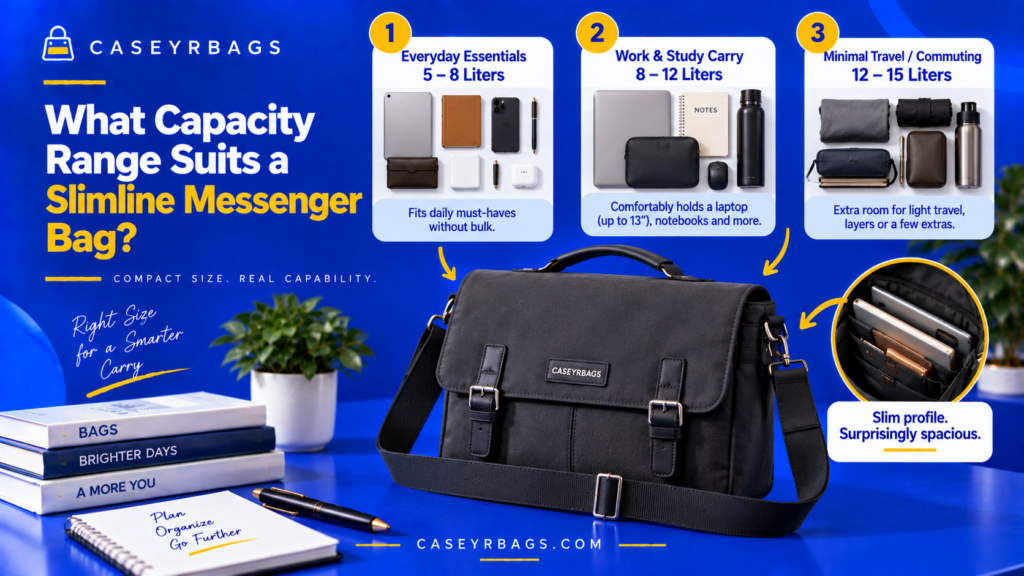
What Capacity Range Suits a Slimline Messenger Bag? A Slimline Messenger Bag generally suits a lower-to-moderate capacity that can hold a focused work load—such as documents, a notebook, a compatible tablet or laptop, and a limited set of accessories—without requiring excessive front-to-back depth. The useful range is therefore determined less by one universal liter figure and more by whether the intended contents fit within a shallow, organized profile. Capacity should be evaluated through usable internal dimensions, compartment loss, packed thickness, and actual work-item volume. A bag that technically offers more space may stop functioning as a slimline design if the extra capacity encourages bulky stacking or pushes the flap and side panels outward. Educational disclaimer: Messenger Bag capacity labeling and measurement methods vary by manufacturer. No single liter range universally defines a Slimline Messenger Bag, and device fit should be verified from actual internal dimensions rather than capacity alone. KEY TAKEAWAY The right Slimline Messenger Bag capacity is the smallest functional volume that fits the real work load within usable dimensions while preserving controlled depth, natural flap closure, organized retrieval, and slimline carry behavior. Slimline Messenger Capacity Signal Key DIMENSION SIGNALWidth, height, depth, sleeve size, and opening geometry determine what actually fits. DISPLACEMENT SIGNALPadding, dividers, pockets, seams, and rounded geometry reduce usable storage space. PROFILE SIGNALPacked thickness and flap alignment determine whether the loaded bag still behaves slimline. BOUNDARY SIGNALLiters do not prove fit, device fit does not prove protection, and volume does not define comfortable weight. What Does Capacity Mean in a Slimline Messenger Bag? Capacity describes how much internal space the bag can provide for its intended contents, but a Slimline Messenger Bag adds an important constraint: the volume must remain compatible with a relatively shallow front-to-back profile. Two bags with similar nominal capacity can behave differently because one may gain volume through width and height while another gains it through depth. The second may carry substantially farther from the body even when both advertise comparable liters. Useful Slimline capacity therefore combines sufficient work-item volume + shallow depth + organized internal geometry. The bag should carry the required load without depending on excessive bulging or closure tension within the broader Messenger Bag system. Which Variables Determine Functional Capacity? Internal width, internal height, internal depth, padding, dividers, pockets, opening geometry, and intended contents all change how much space can be used effectively. Variable → space effect → capacity consequence. Functional capacity is the organized space that remains usable after the bag’s structure and intended work load are considered. Why Are Liters Only One Part of the Answer? A liter figure describes broad volume but does not reveal the bag’s shape, usable dimensions, compartment displacement, opening size, or how much of the volume comes from front-to-back depth. Two equal liter labels can therefore produce different document fit, device fit, accessory space, and packed profile. Liters are a comparison signal rather than a complete fit test. What Makes Capacity Specifically “Slimline”? Slimline capacity provides useful work-item space while keeping front-to-back expansion controlled rather than relying on deep stacking. The bag remains functionally slim when the normal load fits without persistent bulging, forced closure, or excessive outward projection. Slimline Messenger Bag Capacity Anatomy SVG Slimline Messenger Bag Capacity Anatomy SVG Usable width, height, depth, organization, padding, and packed profile determine functional capacity. Slimline Messenger Bag Capacity Anatomy SVG Usable width, height, depth, organization, padding, and packed profile determine functional capacity. USABLE GEOMETRY Internal WidthInternal HeightInternal DepthDevice SleeveDocument Zone CAPACITY LOSSES & PROFILE Accessory ZonePaddingDividersFlapPacked Profile Usable Dimensions + Organization + Controlled Depth = Slimline Capacity. Figure 1.0: Usable Dimensions + Organization + Controlled Depth = Slimline Capacity. CASEYRBAGS.COM • Slimline Messenger capacity Why Is Nominal Capacity Different From Usable Capacity? Advertised or calculated volume includes spaces that may be reduced by shape, structure, internal organization, and access geometry. How Does Bag Shape Reduce Usable Volume? Tapered sides, rounded corners, flap geometry, and narrow upper openings can remove or restrict parts of the total interior envelope. Nominal geometry can therefore exceed the item-compatible space available to folders, devices, notebooks, or pouches. How Do Padding and Dividers Consume Internal Volume? Padding and dividers occupy physical space inside the bag, so part of the interior envelope becomes structure rather than item storage. Padding/dividers occupy physical space → less room remains for contents. Their organizational or protective roles can still justify that displacement. Why Can Some Advertised Capacity Remain Impractical to Use? Difficult corners, narrow pockets, inaccessible depth, or spaces incompatible with intended item shapes can remain technically present but functionally weak. Nominal liters ≠ usable organized capacity. Capacity should be judged from the portions of space that can actually accept, retain, and release the intended load. Nominal vs Usable Capacity Diagram Nominal vs Usable Capacity Diagram The total interior envelope is reduced by structural materials, closure geometry, and unusable shapes. Nominal vs Usable Capacity Diagram The total interior envelope is reduced by structural materials, closure geometry, and unusable shapes. TOTAL INTERIOR ENVELOPE Nominal VolumeExternal ShapeCalculated SpacePotential Capacity FUNCTIONAL STORAGE SPACE Minus PaddingMinus Divider ThicknessMinus Closure GeometryMinus Unusable Corners Nominal envelope − structural displacement = usable storage space. Figure 2.0: Nominal envelope − structural displacement = usable storage space. CASEYRBAGS.COM • Slimline Messenger capacity How Does Bag Depth Define Slimline Capacity? Front-to-back depth is the most important capacity constraint because added volume through depth also increases outward projection and stacking opportunity. Why Does Shallow Depth Support Slimline Messenger Bag Identity? Shallow depth creates a flatter side profile, reduces outward projection, and naturally favors documents, notebooks, and compatible electronics arranged in flatter layers. Controlled depth reinforces the slimline role because volume comes mainly from useful width and height rather than bulky front-to-back expansion. How Does Greater Depth Increase Capacity? More front-to-back space increases total volume and permits more layers, pouches, accessories, and thicker combinations of work items. More front-to-back space → more volume, but also more stacking, outward projection, and movement opportunity inside the bag. When Does Added Depth Weaken Slimline Identity? Added depth weakens the